

Metrics
The gateway metric catalog and label policy.
Metrics
Metrics are the aggregated health signal of the LGTM stack. They answer questions like:
- is the gateway healthy
- is one provider slow or erroring
- are plugins adding overhead
- is the usage or budget pipeline failing
The stack keeps gateway metrics intentionally low-cardinality so dashboards, recording rules, and alerts remain cheap and predictable.
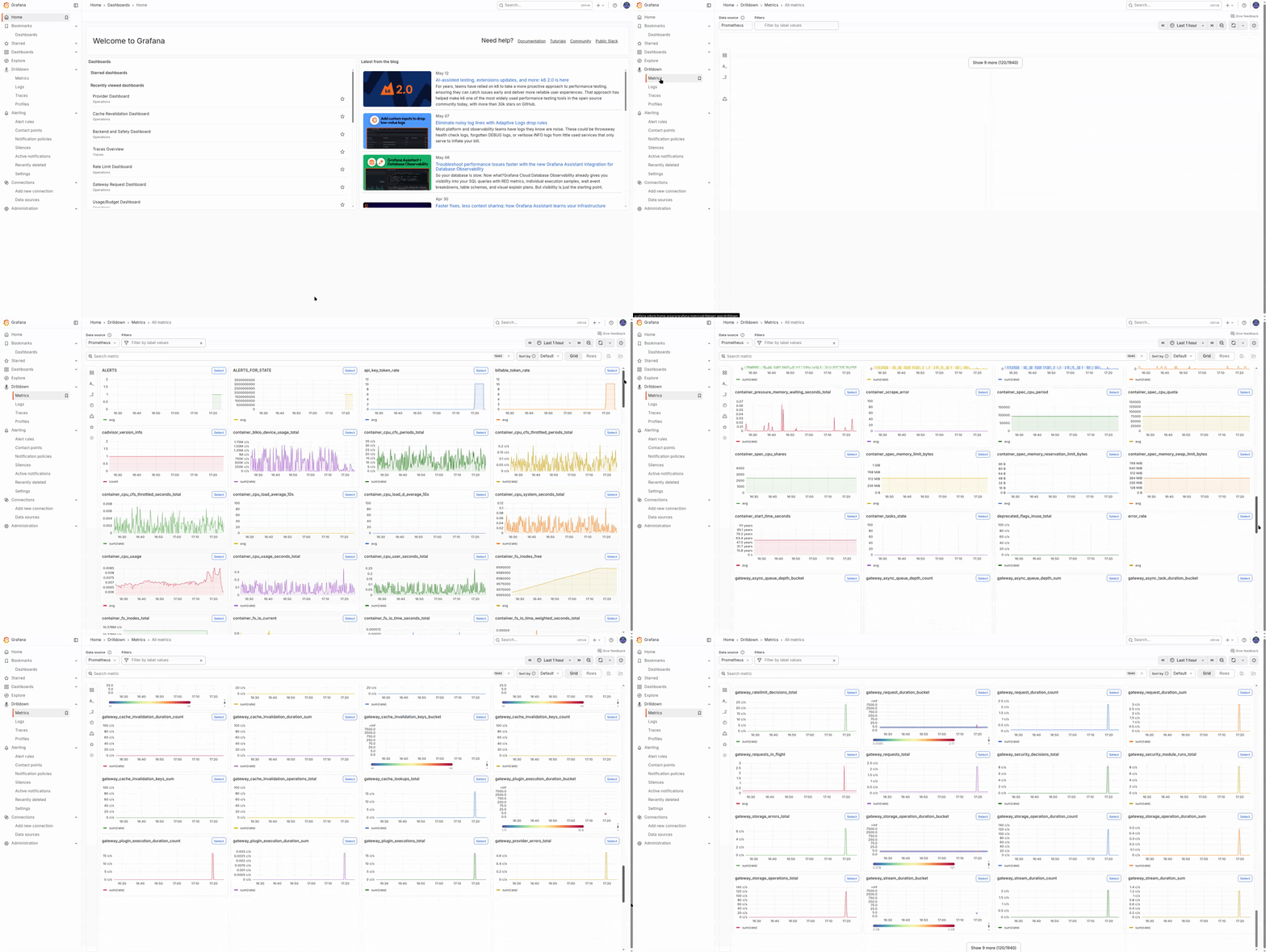
Catalog
Requests
| Metric | Type | Notes |
|---|---|---|
gateway.requests.total | counter | One increment per request, labeled by status class. |
gateway.request.duration | histogram | Total request latency. |
gateway.requests.in_flight | up-down counter | Concurrent in-flight requests. |
Providers
| Metric | Type |
|---|---|
gateway.provider.requests.total | counter |
gateway.provider.request.duration | histogram |
gateway.provider.errors.total | counter |
Plugins
| Metric | Type |
|---|---|
gateway.plugin.executions.total | counter |
gateway.plugin.execution.duration | histogram |
gateway.plugin.errors.total | counter |
Routing
| Metric | Type |
|---|---|
gateway.routing.decisions.total | counter |
gateway.routing.duration | histogram |
gateway.routing.attempts | histogram |
gateway.routing.errors.total | counter |
Rate Limit, Security, Cache
| Metric | Type |
|---|---|
gateway.ratelimit.decisions.total | counter |
gateway.ratelimit.rejections.total | counter |
gateway.security.module_runs.total | counter |
gateway.security.blocks.total | counter |
gateway.security.redactions.total | counter |
gateway.security.decisions.total | counter |
gateway.cache.lookups.total | counter |
Streaming
| Metric | Type |
|---|---|
gateway.stream.sessions.total | counter |
gateway.stream.duration | histogram |
Usage And Budgets
| Metric | Type |
|---|---|
gateway.usage.publish.total | counter |
gateway.usage.enqueue_errors.total | counter |
gateway.usage.ingest_errors.total | counter |
gateway.usage.flush_errors.total | counter |
gateway.usage.flushed.total | counter |
gateway.usage.queue_depth | gauge |
gateway.budget.decisions.total | counter |
Tokens
gateway.tokens.total counters exist per class, including input, output, cached, reasoning, embeddings, tool-input, tool-output, billable, and rejected tokens.
These series feed token-throughput, spend, and concentration dashboards.
Async Pools
| Metric | Type |
|---|---|
gateway.async.queue_depth | gauge |
gateway.async.tasks.total | counter |
gateway.async.task.duration | histogram |
Logger Pipeline
| Metric | Type |
|---|---|
gateway.logs.enqueued.total | counter |
gateway.logs.dropped.total | counter |
gateway.logs.write_errors.total | counter |
gateway.logs.batch_size | histogram |
gateway.logs.queue_depth | gauge |
gateway.logs.flush_duration | histogram |
Process Runtime
| Metric | Type |
|---|---|
process.runtime.go.goroutines | gauge |
process.runtime.go.mem.heap_alloc | gauge |
process.runtime.go.mem.heap_inuse | gauge |
process.runtime.go.mem.heap_objects | gauge |
process.runtime.go.gc.cycles | counter |
process.runtime.go.gc.pause_total | counter |
process.runtime.uptime | gauge |
How Organisation Users Usually Consume Metrics
Most organisation users will not query Prometheus directly. They will see these metrics through Grafana dashboards such as:
- Gateway Request Dashboard
- Provider Dashboard
- Rate Limit Dashboard
- Token Usage Dashboard
- Logger Health Dashboard
See Grafana dashboards.
Label Policy
Allowed labels are bounded values such as:
providerrouteendpointplugin_nameandplugin_stageratelimit_stageandratelimit_modulesecurity_moduledecisionstatus_classstreamcache_hitasync_pool_name
High-cardinality fields like request_id, trace_id, and organization_id stay on traces and logs instead of metrics.
Tips
Use recorded series and prebuilt dashboards for first-line investigation. Raw histogram queries are usually unnecessary outside deep debugging.
Changing labels on an existing metric is a breaking change for dashboards and alerts. If you extend the gateway, prefer adding a new metric instead of mutating an existing one.