User ManagementOrganisation
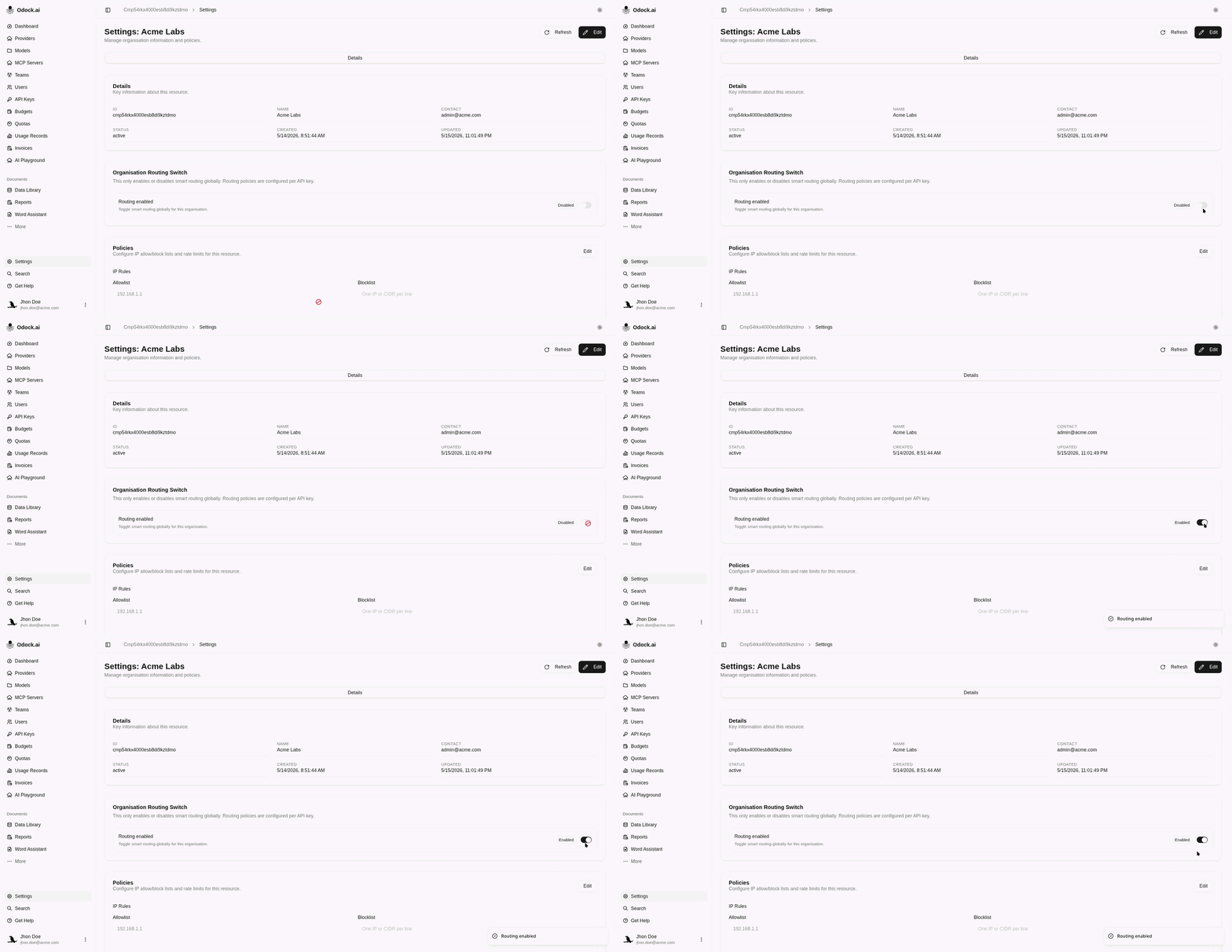
Enable Routing
Enable or disable organisation-level smart routing from settings.
Enable Routing
The routing switch in organisation settings enables or disables smart routing for the organisation. It does not define the full routing behavior by itself. Routing policies are configured on virtual API keys, and candidate models must still be configured and accessible.
For the full routing concept and setup, see Routing.
Open your organisation workspace.
In the sidebar, click Settings.
Find the routing settings card.
Turn routing on when the organisation is ready to let eligible API keys use smart routing policies.
Keep routing off when smart routing should be prevented globally for the organisation.
Review the virtual API keys that have routing policies configured.