ManagementRouting
Configure API-key routing
Add routing candidates and strategy on a virtual API key.
Configure API-key routing
Use this workflow after organisation routing is enabled and the key has access to the candidate models.
Open API Keys.
Open the key used by the application.
Confirm every candidate model appears under Model Access.
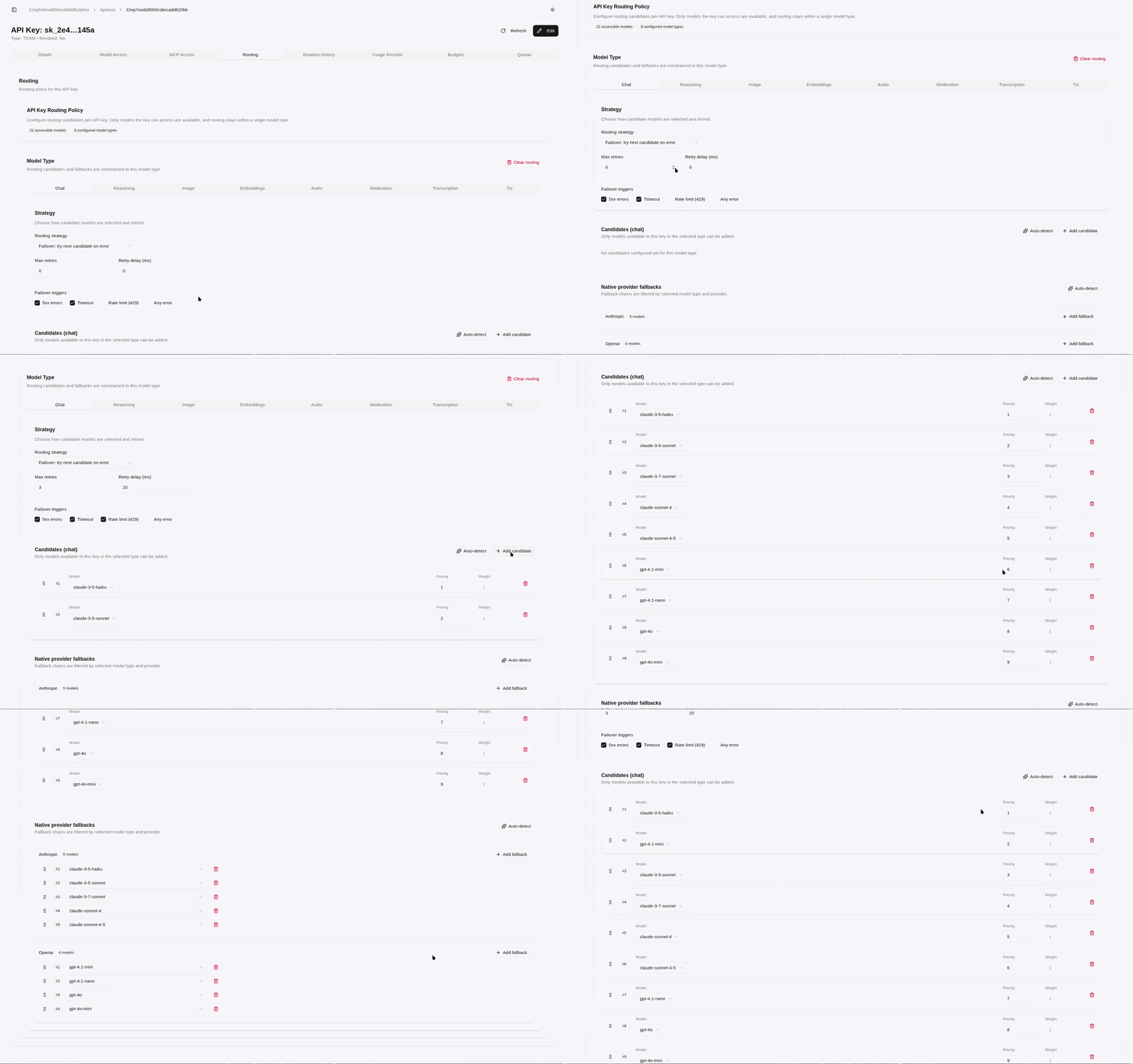
Scroll to Routing.
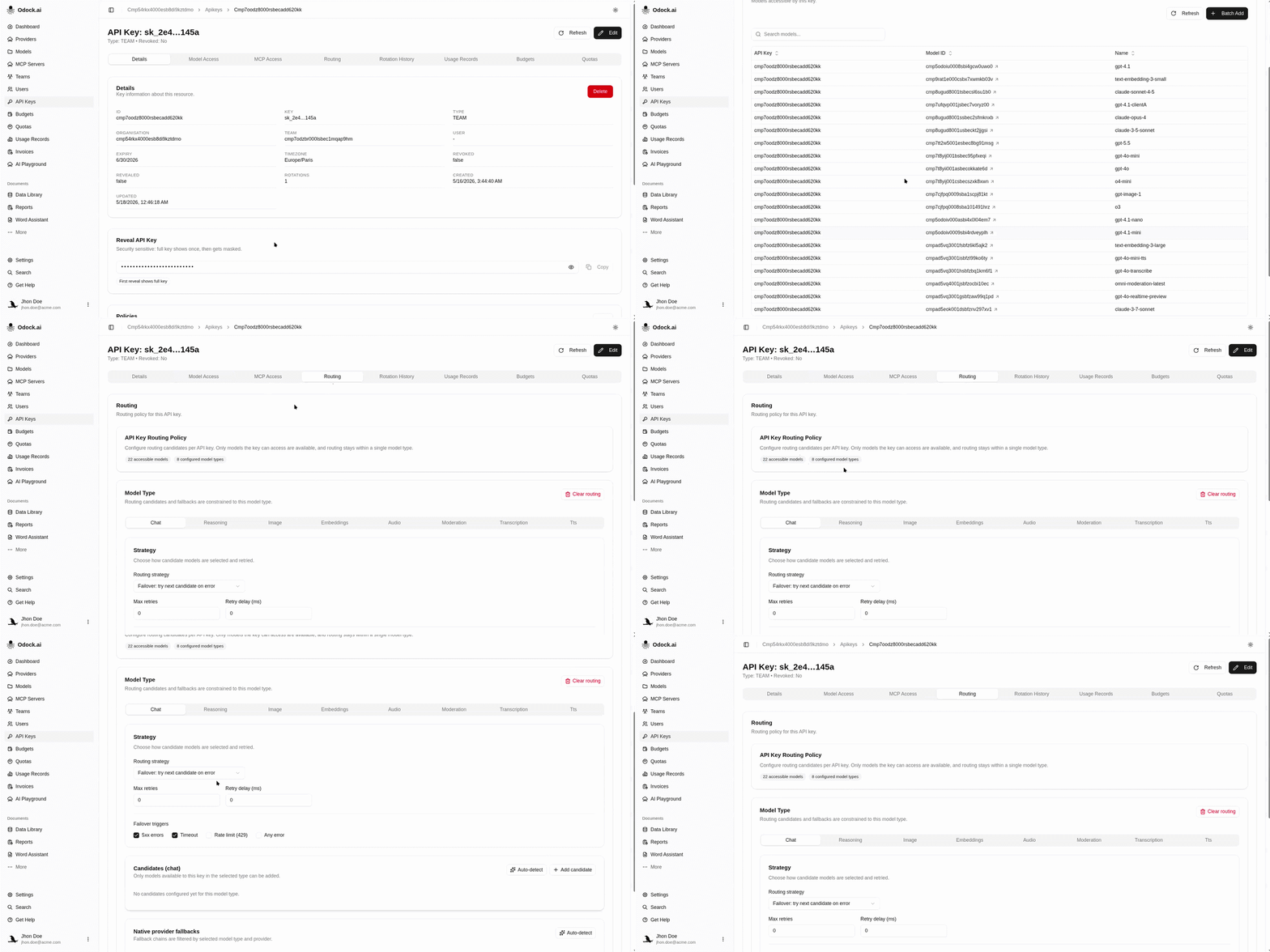
Select the model type tab, such as chat or embeddings.
Choose a strategy: Failover, Priority, or Round robin.
Set Max retries and Retry delay (ms).
Choose failover triggers.
Use Auto-detect to add accessible models for the type, or Add candidate to add them manually.
Drag candidates into the intended priority order.
For native endpoints, configure provider-family native fallbacks when needed.
The policy save automaticly.