

ManagementRouting
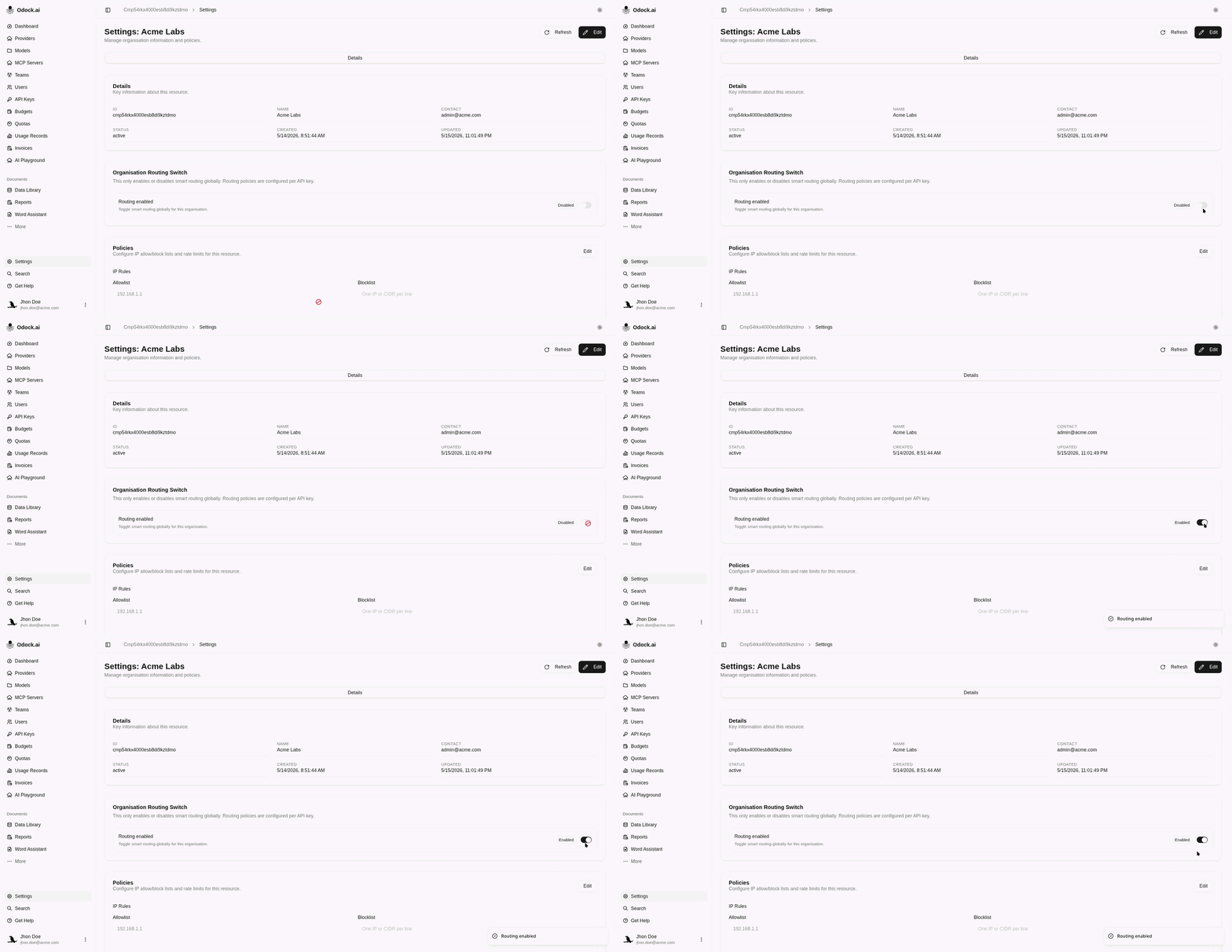
Enable organisation routing
Turn on the organisation routing switch.
Enable organisation routing
The organisation routing switch enables smart routing for the organisation. API-key policies only take effect when this switch is enabled.
Open your organisation workspace.
Open Settings from the sidebar.
Find Organisation Routing Switch.
Turn Routing enabled on.
Wait for the UI confirmation that routing is enabled.
What This Does Not Do
This switch does not create routing policies. After enabling it, configure routing on the API keys that should use routing.