

Models & MCPMCP Servers
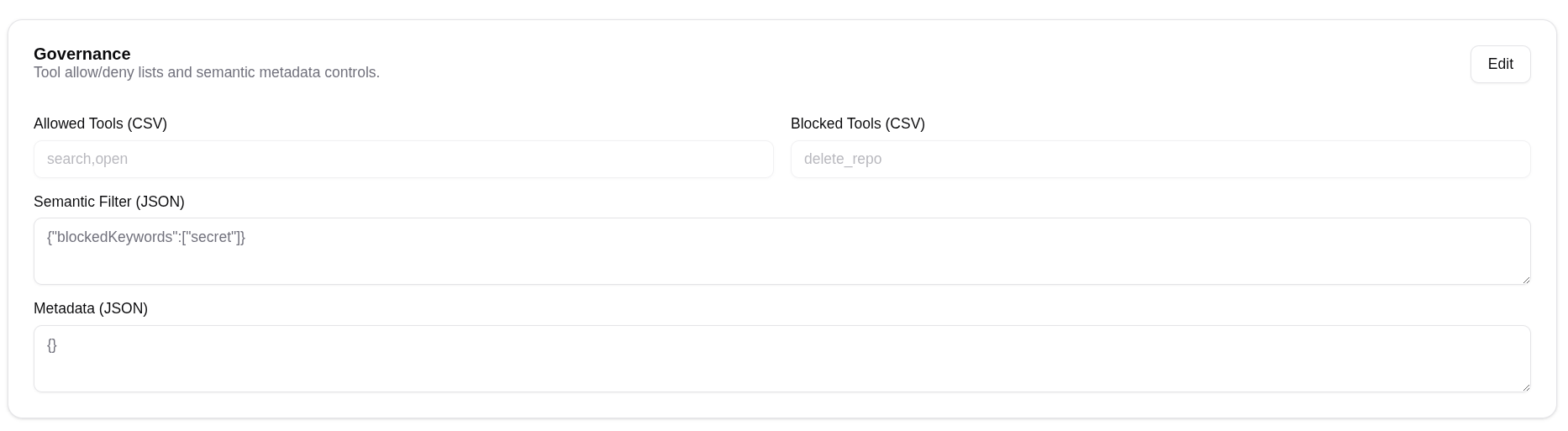
Edit MCP governance
Configure allowed tools, blocked tools, semantic filters, and metadata.
Edit MCP governance
For the concepts behind allowed tools, blocked tools, semantic filters, policies, and scopes, see MCP security.
Open the MCP server detail page.
Find the Governance card.
Click Edit.
Enter allowed tool names as a comma-separated list.
Enter blocked tool names as a comma-separated list.
Add semantic filter JSON if needed.
Save changes.