

Models & MCPProviders
Add a provider key
Store an upstream provider credential for Odock to use at runtime.
Add a provider key
Provider keys are upstream secrets. Odock uses them only when it calls the upstream provider. Applications call Odock with virtual API keys instead.
Open Providers.
Click Configure on the provider.
In the Provider Keys area, click the action to create a provider key.
Enter a key name, such as Primary, Production, or Research.
Paste the upstream provider key.
Create the key.
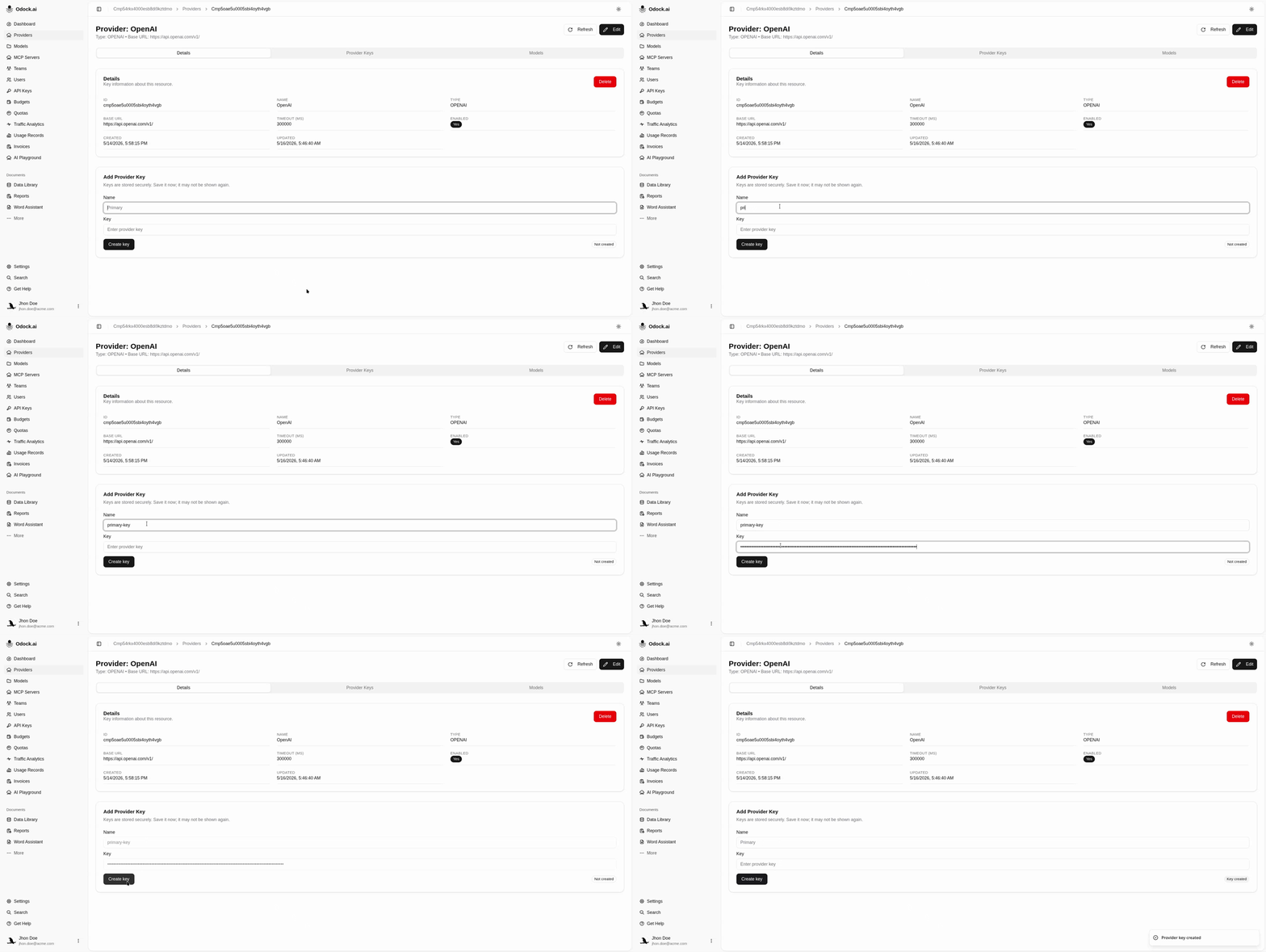
The saved key is encrypted before storage and should not be copied into application code. Applications should use Virtual API Keys.