

Models & MCPProviders
Edit provider details
Review and update provider base URL, timeout, enabled state, and config.
Edit provider details
Use provider details when you need to adjust the upstream connection.
Open Providers.
Click Configure on an active provider.
Review the provider name, type, base URL, timeout, and enabled status.
Click Edit if you need to change the base URL, timeout, enabled flag, or config JSON.
Save changes.
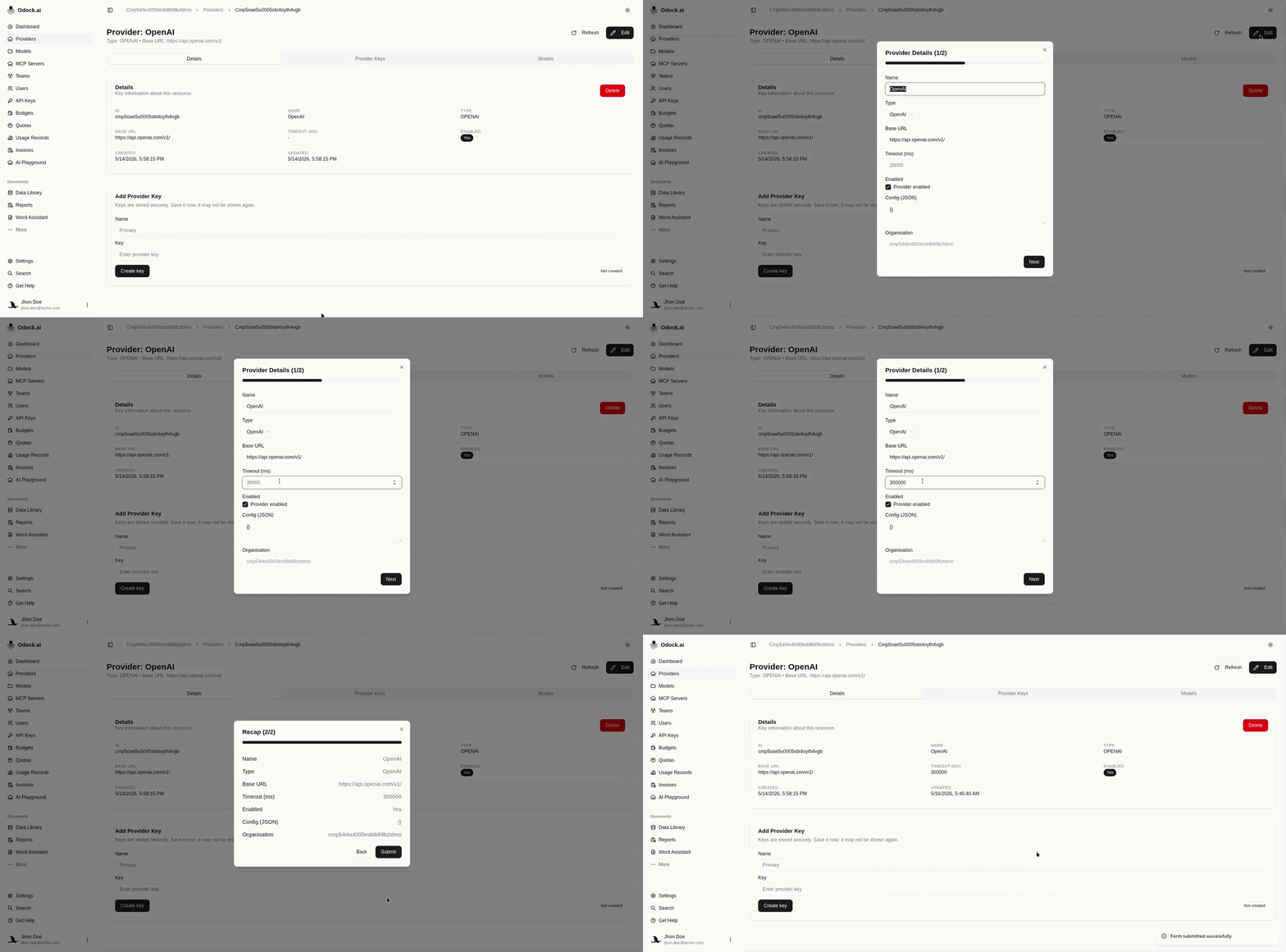
Common edits include renaming a provider for an environment, changing a self-hosted inference base URL, increasing timeout for slower models, or disabling a provider when it should not receive traffic.