

ObservabilityUsage Records
Usage Records
The per-request audit trail for everything your applications send through the gateway.
Usage Records
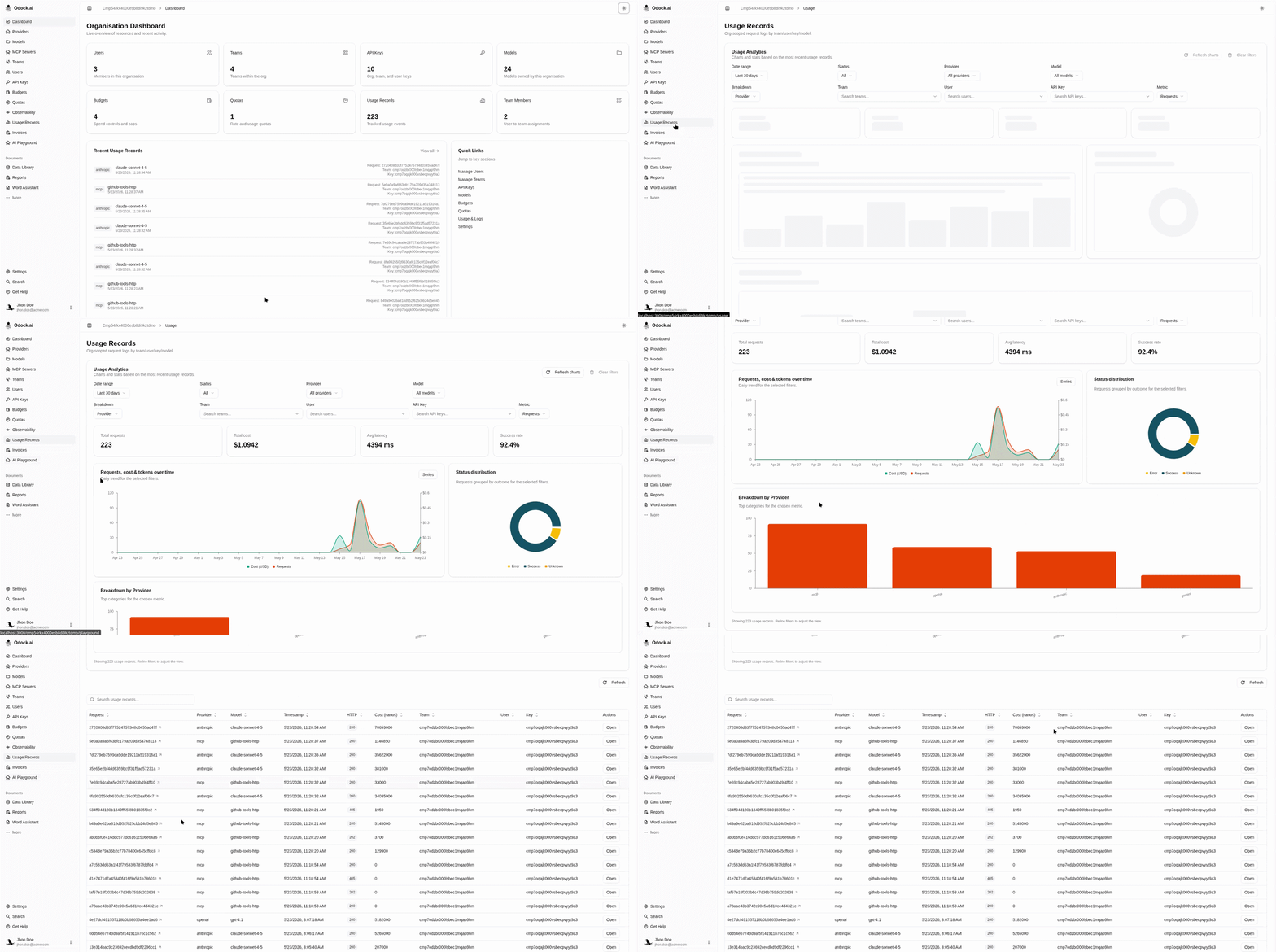
A usage record is one row per gateway call. The Usage Records page in your organisation workspace combines:
- Usage Analytics at the top — KPI cards and charts that aggregate the loaded records.
- Usage Records table below — a sortable, filterable list of individual requests, each linked to a detail page.
Use this page when you want an answer about a specific request: what did it cost, how long did it take, which model served it, did anything fail.
When It Updates
Usage recording is asynchronous. The gateway returns the response to your application first, then finalises and persists the record a few seconds later. Refreshing the page or pressing Refresh above the table pulls the latest batch.
What Is Captured
Per request, the record holds:
- the principal — organisation, optional team, optional user, and API key,
- the resolved provider and model,
- HTTP status, latency, and the gateway request id,
- token counts and the cost in USD,
- the routing trace — which candidates were attempted in which order,
- plugin and safety outcomes attached to the call.
Prompts, completions, and credentials are never written into a usage record.
Pages In This Submenu
- Usage Analytics: the analytics card on top of the page.
- Usage Records table: filtering, searching, and sorting individual requests.
- Record details: the per-request detail page, including the routing and breakdown sections.
- MCP usage records: how MCP tool calls appear here.