

ManagementBudgets
Create an API-key budget
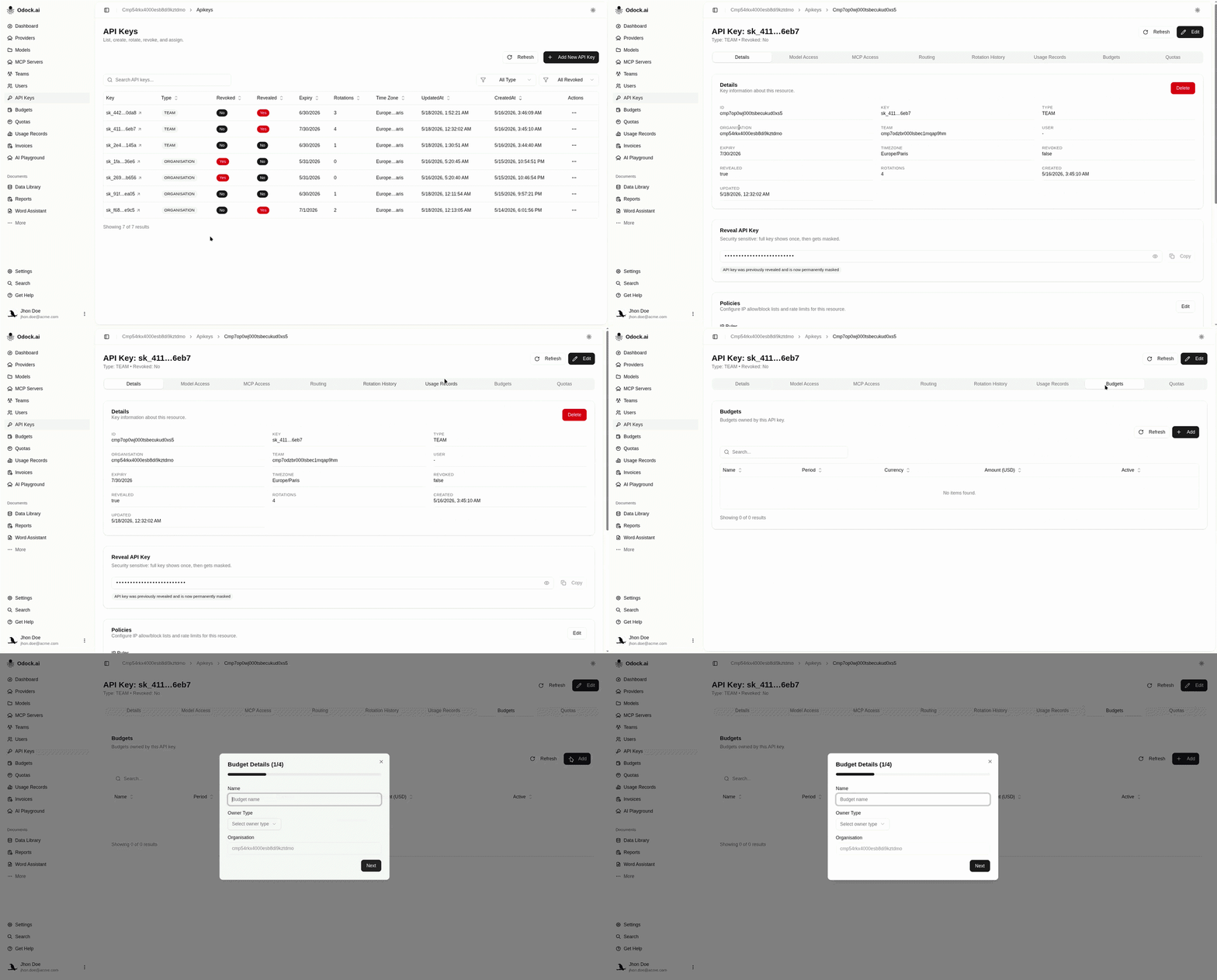
Add an app-specific budget directly from an API key detail page.
Create an API-key budget
This is the fastest path for application-specific spend control.
Open API Keys.
Open the application key.
Scroll to Budgets.
Create a new budget from that section.
Confirm Owner Type is API Key or that the key is selected as the owner.
Set the schedule, period, timezone, and optional end date.
Enter the budget amount.
Keep Active checked.
Save the budget.
Why Use API-Key Budgets
Use one key and one budget per app, customer, environment, or workload when you need clean spend isolation.