ManagementBudgets
Handle budget exceeded
Understand and respond to 402 budget_exceeded.
Handle budget exceeded
When any active matching budget lacks capacity, the gateway rejects the request before the upstream provider call with 402 budget_exceeded.
What The Application Should Do
Treat budget exhaustion as a hard cost-control response.
Good responses include:
- pause non-critical work,
- wait for the next budget window,
- ask the owner to raise the budget,
- switch to a lower-cost workflow if your application is designed for that,
- alert the team responsible for the key or budget.
Avoid immediate retry loops. The request will usually fail again until capacity changes.
Troubleshooting Checklist
Identify the API key used by the failed request.
Open the key and review attached budgets.
Check whether the key is organisation-, team-, or user-scoped.
Open Budgets and filter for matching organisation, team, user, and API-key budgets.
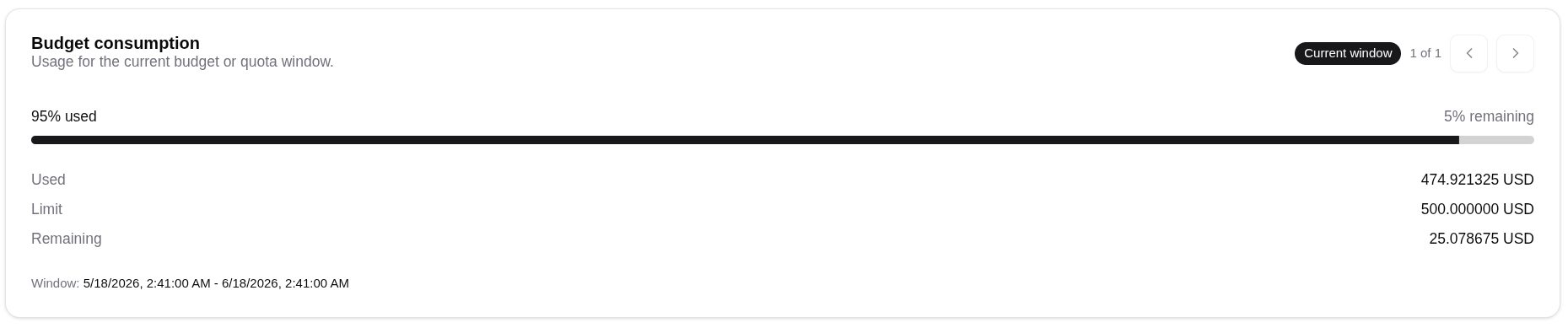
Open each active matching budget and review the current window.
Check used plus reserved consumption against the limit.
Review Usage Records for the budget window.