User ManagementUsers
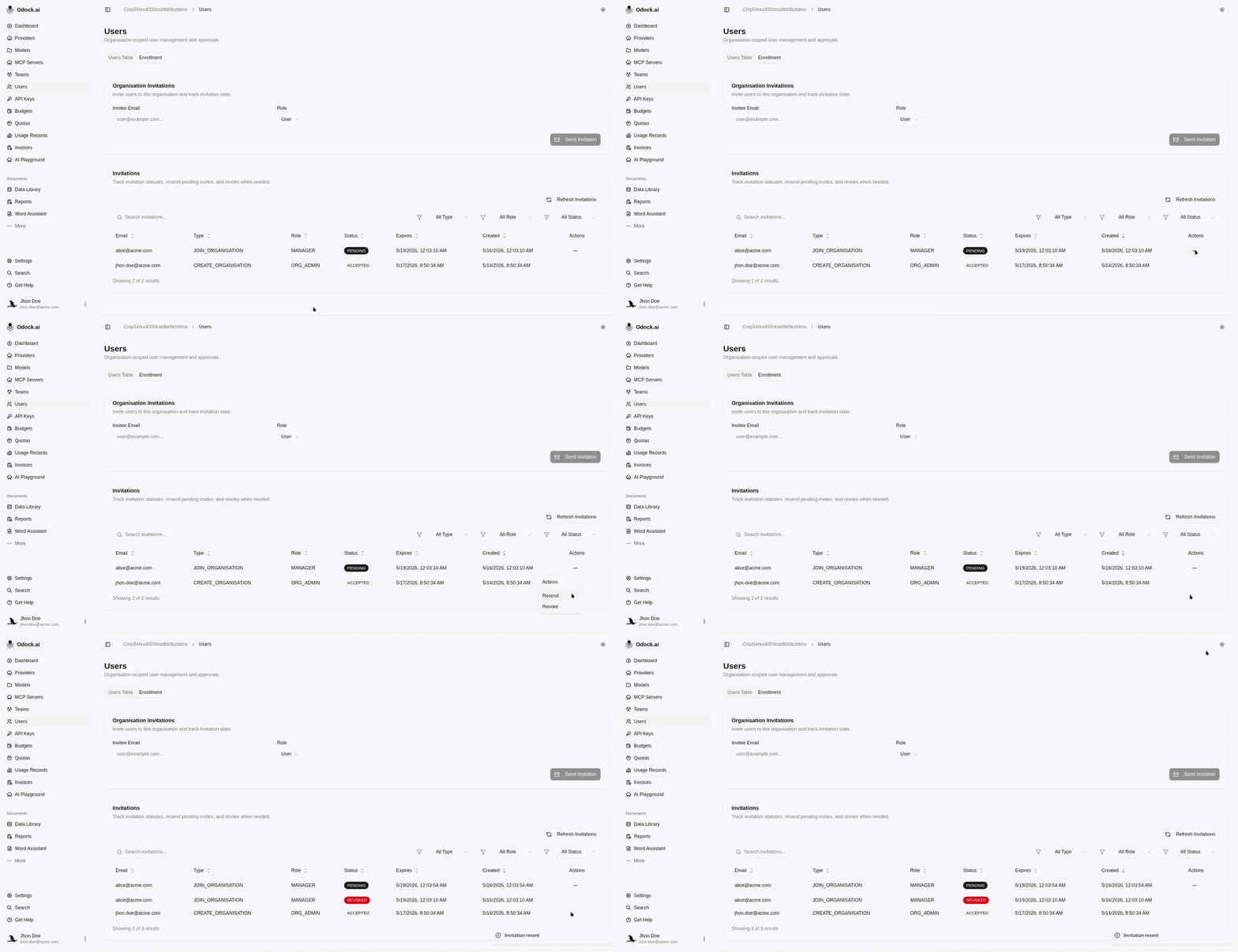
Resend An Invitation
Send a fresh invitation when the first email was missed or expired.
Resend An Invitation
Use resend when the email was missed, the link expired, or the user needs a fresh invitation path.
Open Users.
Open the Enrollment tab.
Find the invitation in the Invitations table.
Use the Resend action on the invitation row.
Confirm the invitation remains trackable in the table.